
Notary CRM
When appointments run from a ledger, document status over the phone and corporate clients' work through e-mail, only the member of staff who took the job knows where a transaction has got to.
A transaction is a record; the missing document, the stage and the journal number are its fields. An institution's regular business accumulates under its own account.
What we set up, and how
- Take online appointments by transaction type, spread the day's load across the hours and shorten the waiting time
- Track from a single record which document is missing on each transaction, which stage it is at and when it will be completed
- Gather the regular transactions of banks, companies and law firms under a corporate account
- Keep all correspondence with the client and past transactions on the same card
- Send the appointment reminder and the document-ready notification over WhatsApp
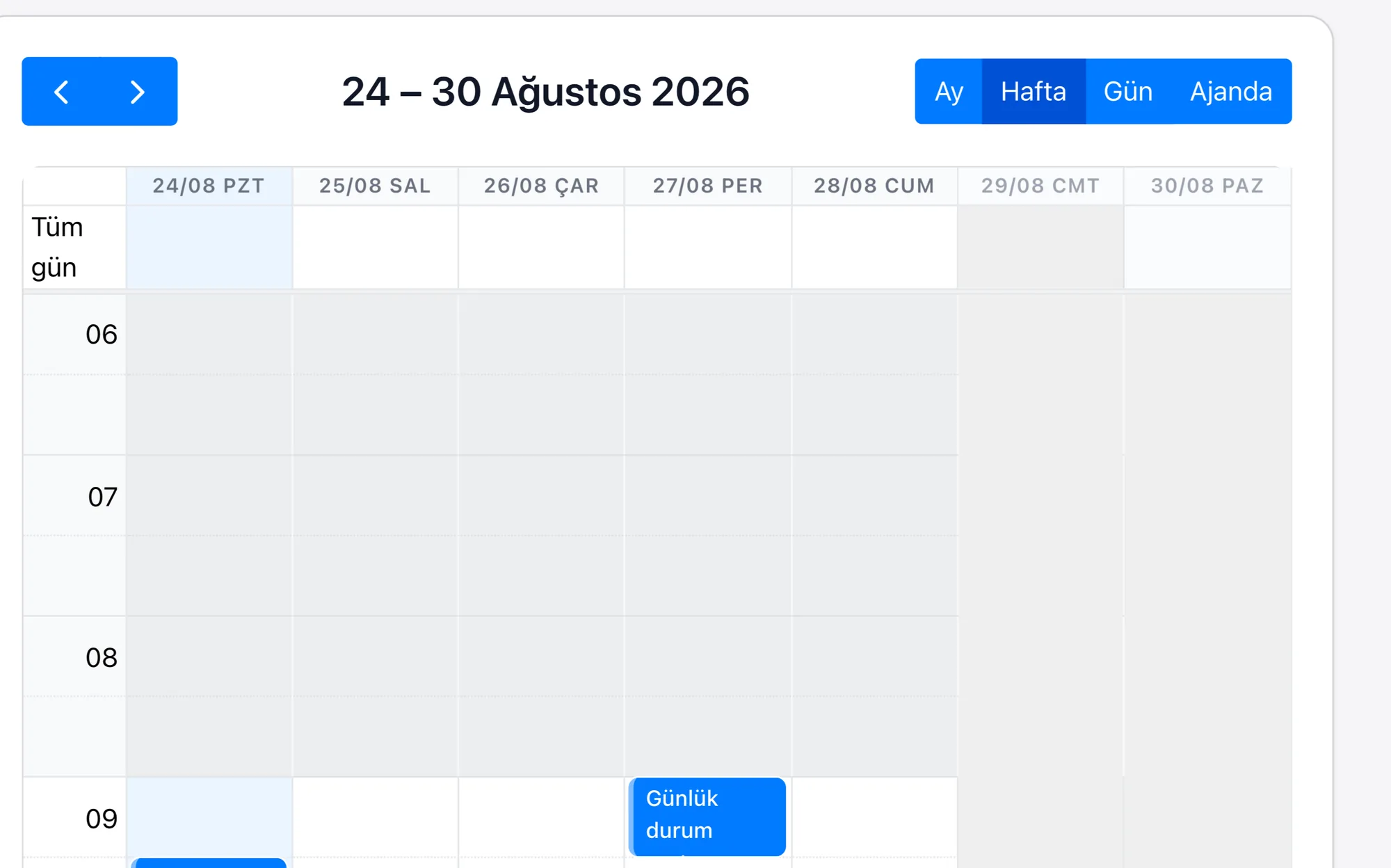
| Appointment Management System | An appointment is a record with transaction type and time fields; the day's load is read from the calendar view, and the quota per hour is defined during setup. |
|---|---|
| Document and Transaction Tracking | A transaction is a record; the missing document and the stage sit in its fields, and the completion time is calculated from the record dates. |
| Corporate Account Management | A bank, a company and a law firm are each account records; their regular transactions accumulate under the card, and the authorised people are linked to it. |
| Client Contact History | Because the correspondence and past transactions sit on the same card, the detail of an earlier job is found without searching. |
| Journal Number and Copy Request | Every transaction's journal number and date are fields on the record; a copy request that arrives years later is found from that number and is opened as a new record tied to the original transaction. |
A significant part of a notary office's daily volume always comes from the same institutions: the bank's mortgage papers, the law firm's power of attorney, the company's signature circular. When these are recorded as if they were individual walk-in clients, how many transactions the same institution had during the month, and which transactions the invoice covers, are worked out by hand at the end of the month.
Rapitek CRM accumulates this work under the institution's account; each transaction is tied to that account with its own document list and status. Because the notification goes out directly from the same record when the document is complete, the client does not come back to ask whether the job is finished.
