
CRM for growing real estate agencies
Your property portfolio, your client requirements and your agents in one system. Branch-based permissions, viewing-appointment tracking and consolidated reporting, configured around your process, and we do the setup.
When the portfolio, the agent and the client request all sit in different places, matching comes down to one person
The listing side is already handled by separate software in your office. The place that bleeds is the space between the listing and the client: who was looking for what, which property they saw, why they didn't like it, when to call them back.
Here is the picture we have seen again and again in our own CRM projects:
- Client criteria (budget, area, number of rooms) sit in the agent's notebook or in the notes on their phone; the office cannot see them.
- Conversations stay on the agent's personal WhatsApp number. When the agent leaves, the client history leaves with them.
- Viewing appointments get forgotten; a cancelled appointment is not recorded anywhere.
- Once the sale closes the relationship goes quiet. Asking a happy client for a referral is nobody's job.
- When a new branch opens, the offices cannot see each other's portfolio; the manager adds up the consolidated figures by hand in Excel.
None of this is solved by a new listings portal. It takes record-keeping discipline and permissions, and that is exactly what a CRM is for. The same structure works the same way outside real estate; the part about correspondence staying with the office rather than on the agent's own phone is set out further down this page.
Saturday, 2:20pm. A buyer calls about one of your listings.
-
1
The criteria are recorded as fields during the call
Budget range, target areas, number of rooms and move-in timing go onto the client record as separate fields, not as free-text notes. Information sitting in a free-text note cannot be filtered; written as a field, it can.
-
2
Matching properties are filtered on the same screen
The portfolio list is filtered by the criteria that were saved. The agent links the properties of interest to the client record and marks the ones that were ruled out along with the reason, so the next conversation does not start from scratch.
-
3
Photos and locations go out from the office's single business number
The conversation is not on the agent's personal phone but in the team inbox. The message history is written to the client record; while an agent is away, someone else can pick the conversation up where it left off.
-
4
The viewing appointment is written to the calendar and to the sales pipeline
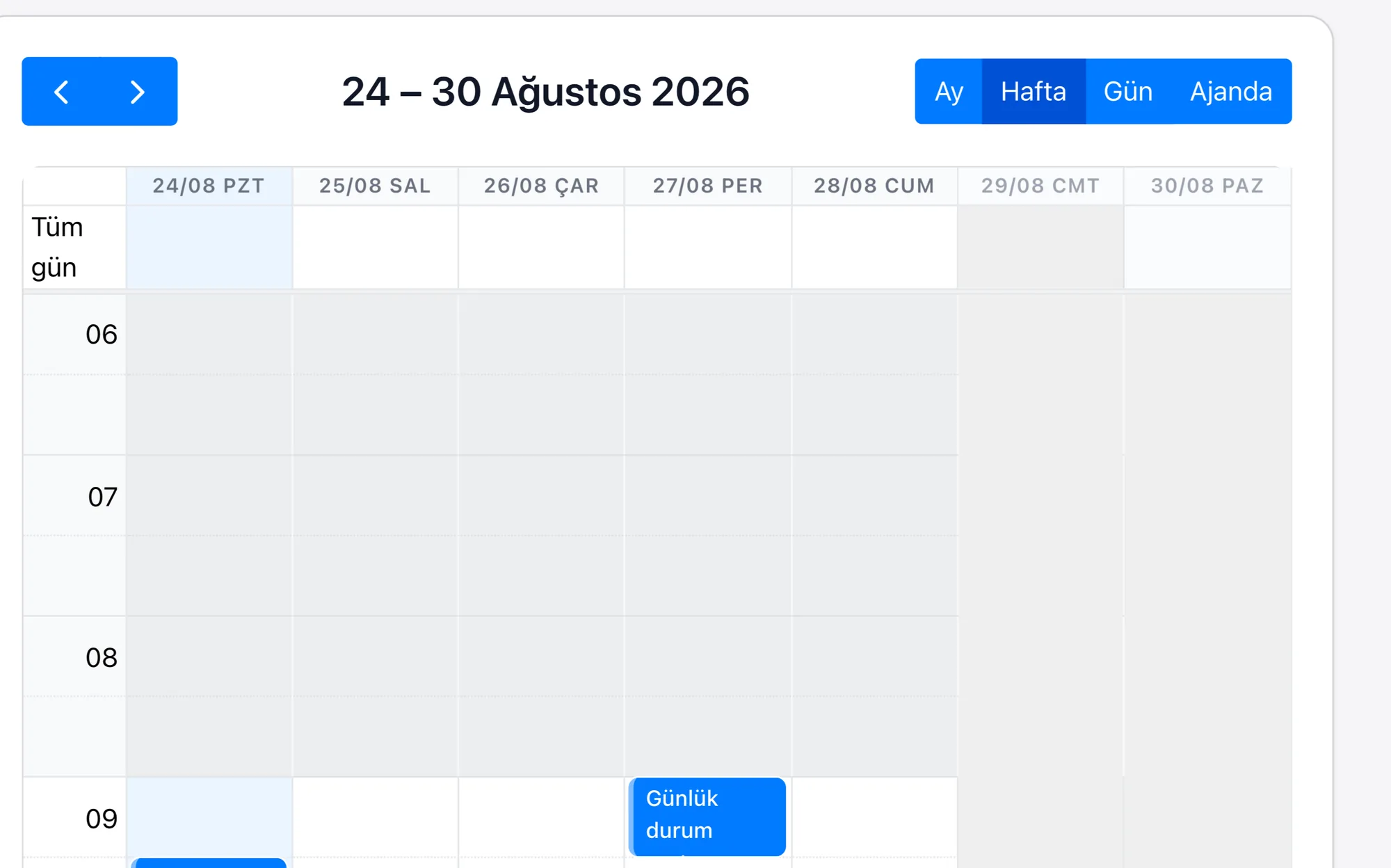
The appointment is recorded, synced with Google Calendar, and a reminder and a follow-up task are defined. If the viewing did not take place, the opportunity stays at the relevant stage and shows up in the report.
-
5
Feedback after the viewing turns into criteria
Once a note such as “the living room felt small, the aspect is good” is saved and the criteria fields are updated, the next match is more accurate. The assessment does not stay in the agent's head.
-
6
After closing, the relationship can be put on a schedule
When the sale closes, periodic check-in tasks, a short satisfaction survey and a referral request can be planned. How many referrals came from which client can be tracked as a record.
The building blocks we set up for real estate teams
Property records
Every property is its own record: price, square metres, number of rooms, floor, area, status (for sale / to let / under option), images and the responsible agent. The fields are configurable. Which ones you actually need is something we decide together during setup.
Criteria-based matching
Because the client's budget, area and room count are held as fields, the portfolio is filtered on those fields and saved as list views. There is no magic here: correctly built fields and correctly built lists.
Viewing appointments
Appointments are recorded and synced with Google Calendar; reminders and post-viewing follow-up tasks are defined. Appointments that did not take place show up in the reports.
Branch and agent permissions
Which branch sees which properties, clients and reports is set on a role basis. The manager looks at the consolidated view, the agent sees their own work. Even if an agent leaves, the records stay with the office.
WhatsApp from a single number
All agents write from the office's single business number; messages land in the team inbox and are written to the client record. The route we recommend and set up is Meta's official WhatsApp Cloud API. We do not offer QR-code phone pairing as a product promise: it is not Meta's official API and risks the number being restricted by Meta; if that happens, your business number goes down.
Area and agent reports
Which area has stock piling up, which price band is in demand, how many viewings and how many closings there are per agent, with tables and summary reports and a drag-and-drop dashboard designer, without writing code. Matrix and joined report types are supported as well.
When the agent is out in the field, and connecting to your existing software
Mobile in the field
Real estate work does not happen at a desk. Both our iOS and Android apps are live and come with a Turkish interface; on the way out of a viewing an agent can update the client record, the note and the follow-up task from their phone. Rapi, the voice assistant in the app, creates and updates records in the CRM by speaking Turkish. WhatsApp messages are handled in the single inbox inside the app. The agent can reply without going back to the office. Instagram direct messages land in the same inbox. You can see the details on the mobile app page, and the product as a whole on the product page.
Connecting to your listing and accounting software
Rapitek CRM does not replace your listing-publishing software; it adds a customer relationship layer on top of it. The connection to your portfolio or listing tool, to your accounting or ERP program, is built like this: via the REST API, webhooks and import/export, by the team that builds and develops the product. Which data flows in which direction is defined together during setup. We have collected which systems we connect to and how on the integrations page.
There is no out-of-the-box module. Saying there is would not be true. Because access differs from one installation to the next, no single button can be built that works the same way in every installation; the connection is a scoped integration job and is planned as part of the setup. We have written out plainly on the pricing page which items are included in the plan price and which are priced separately.
Listing software or CRM? Both.
| Layer | What it does |
|---|---|
| Listing and portfolio software | Preparing listings, publishing them on portals, listing the portfolio and operational tracking |
| Rapitek CRM | Client records and requirement criteria, viewing-appointment tracking, the sales pipeline, WhatsApp message history, branch-based permissions and reporting |
| The connection between them | REST API, webhooks and import/export; the scope is defined during setup with the team that builds and develops the product |
Not a marketing line: measured data
How is a CRM rolled out in a real estate agency?
-
1
Discovery and analysis
We map out your portfolio flow, your agent roles, your branch structure and your commission-sharing model. This is where it is decided which fields you actually need.
-
2
Configuration
Property and client fields, pipeline stages, list views, the permission matrix and reports are set up around your process. No code is needed; setting it up well takes expertise, and that part we do.
-
3
Data migration
Portfolio and client records from your Excel files or from your existing system are imported; duplicate records are weeded out.
-
4
Training and go-live
Training for agents and managers, close follow-up in the first week, then ongoing support. There is no call centre on our support line: the team that builds and develops the product answers you. We do not commit to a timeline before discovery; after that call we give you a date, not a range.
What do the teams we work with say?
As a newly founded company that wanted to make fast progress, we realised we needed a general infrastructure for sales management, team tracking and inventory management. With that need in mind we started the project with Rapitek, and we are still continuing our work together today. Rapitek really is a solution partner.
 Operations Manager · Hürriyet Projeland

At Anatolia Tile we have placed great importance on digital transformation in order to maintain our leading position in the global market since 1995. The CRM project we began with Rapitek transformed our sales processes completely. By bringing our customer data together on a single platform we increased our team's productivity and sped up our decision-making. Rapitek's industry experience and solution-oriented approach enabled us to achieve results beyond our expectations.
 General Manager · Anatolia Tile

The most important element in bringing new business ideas to life is your IT infrastructure and your applications. Rapitek offered far more than just supplying an application. They became our solution partner. Thanks to their quick responses in unexpected situations and their flexibility during development, we reached our first product quickly and maintained healthy project continuity.
 CEO · Aktif Filo

The testimonials above relate to CRM implementation and integration projects carried out by Rapitek; they do not mean that the organisations concerned use the Rapitek CRM product today. Brand names, logos and job titles belong to their owners.
Data location, KVKK and security, as it is
Real estate data is sensitive: identity details, budgets, addresses, title-deed processes.
- Your data is held in the European Union. The database is in Helsinki (Finland), media files in Frankfurt, and backups in Falkenstein (Germany). We do not say that the data is held in Türkiye, because it is not.
- This amounts to a transfer abroad under KVKK art. 9. That is why a privacy notice is presented on our forms; the basis for the transfer is established together with you during the contract process.
- TLS is used in transit. Passwords are hashed one-way; two-factor authentication secrets and the credentials for email, WhatsApp Business API, Instagram/Meta, payment and İYS connections are encrypted at the application level. A separate database is used for each customer.
- There is role-based and record-level permissioning; which agent sees which properties is defined.
We do not hold an information security certificate and we do not claim to. Every technical detail we state has a counterpart in the system; we answer your security questions in writing before the rollout. We have written out all of the technical measures point by point on the security page.
Work out the return with your own numbers
Enter your own figures and see the 12-month return. Every assumption is out in the open and editable. If you do not find the result convincing, change the assumption and look again.
No sign-up, and we do not ask for an email address.
Frequently asked questions about CRM in real estate
What is a real estate CRM system?
How is portfolio management set up in the CRM?
How does matching clients to properties work?
Can several agents use the same WhatsApp number?
Can my Sahibinden, Hepsiemlak or Zingat listings be connected to the CRM?
Does it connect to our accounting or ERP program?
Can we track commission sharing?
How do permissions work in a multi-branch agency?
Is there a mobile app for use in the field?
Can we get a trial account?
How long does the rollout take and what is included?
Where is our data held?
See your agency's flow live
In a 30-minute intro call, let us show you property records, criteria-based matching, appointment tracking and branch reports on your own scenario. Then we open your 7-day trial account; no credit card required.
