
Clinic CRM
In a clinic revenue disappears quietly, not loudly: the appointment nobody turned up for and the follow-up visit nobody was reminded of. Both get lost between the diary and the message inbox, and only the empty hour shows in the month-end report.
The follow-up date is derived from the treatment protocol; the appointment, the WhatsApp thread and the balance due sit on the same patient card. A due follow-up reserves a calendar slot.
What we set up, and how
- Gather allergies, medication in use, past visits and uploaded test results on a single patient card, and limit access by role
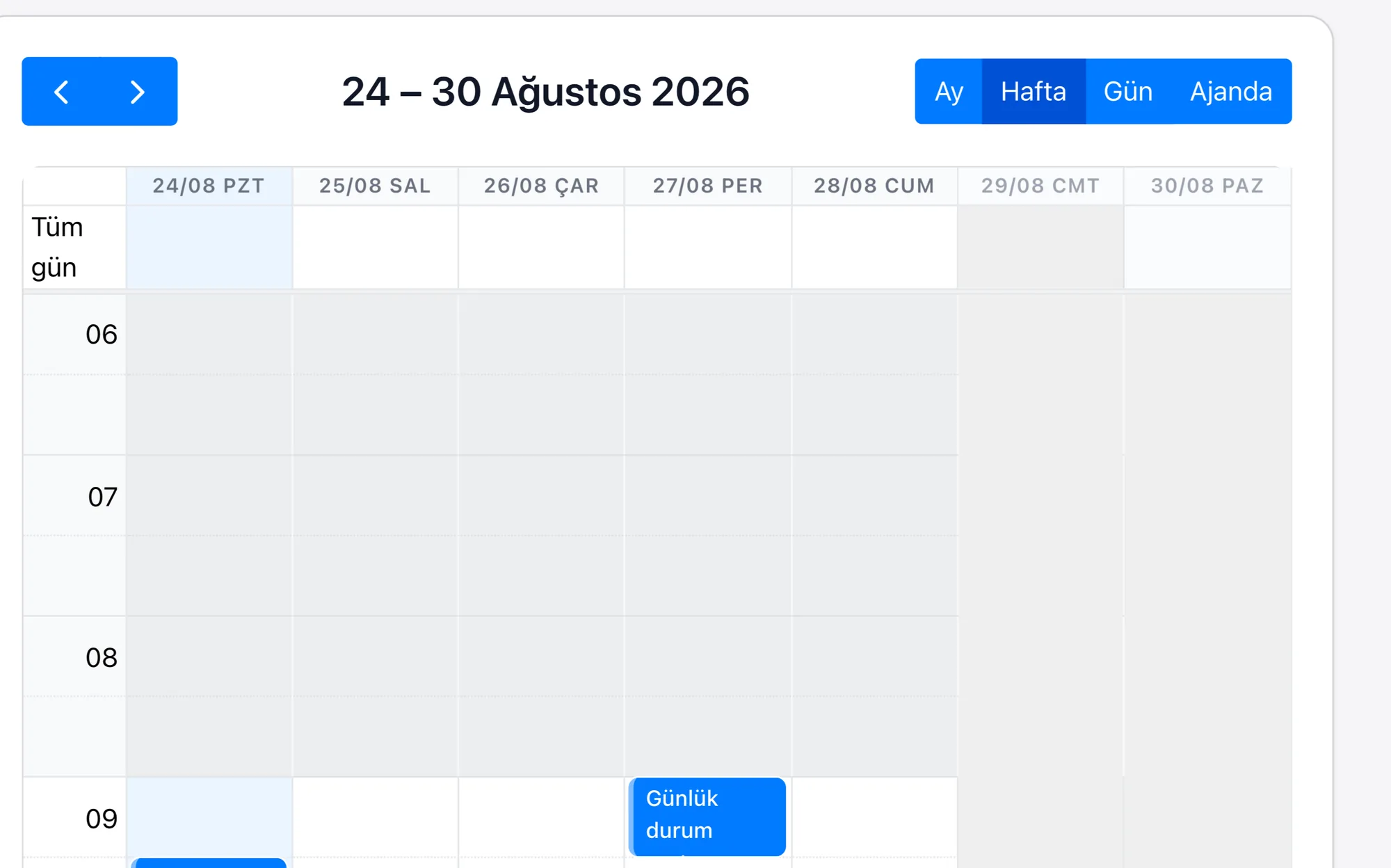
- Combine online booking, the doctor's calendar and room assignment; set a rule for a reminder to go out 24 hours before the appointment
- Let WhatsApp conversations be linked to the patient record and template messages be managed centrally
- Run package sales, instalment payments and collection tracking on a single record; we build the connection to the e-invoice side, there is no out-of-the-box module
- Set up the 1-week, 1-month and 3-month follow-ups as tasks tied to the treatment date, according to the treatment protocol
| Patient Card and Medical History | A patient is a single card; personal details, allergies, medication in use, past visits, payment lines and uploaded test results are the fields and attachments of that card, and which role sees which field is defined in the permission set. |
|---|---|
| Appointment Management and No-Show Tracking | An appointment is a record; the doctor's calendar, the room and the time sit in its fields. You set a rule at setup for a WhatsApp or SMS reminder to go out 24 hours before the appointment; confirmation and rescheduling are written onto the same appointment record, and a missed appointment stays open in the list. |
| WhatsApp Conversation | The WhatsApp conversation with the patient sits in the team inbox and is linked to the patient record; template messages, voice notes and images build up under the same record, and even if staff change the history stays on the card. |
| Payment and Invoicing | Package sales, instalments and invoice records are lines linked to the patient card; the outstanding balance sits in a field and an overdue line drops into a list. The connection to the e-invoice side is built for each project; there is no out-of-the-box module. |
| Follow-Up Appointment Calendar | Follow-up steps (1 week, 1 month, 3 months) are tasks tied to the date of the treatment record; the steps are defined at setup according to your own protocol, a step that falls due reserves a slot in the calendar and a notification is sent to the patient. |
A clinic's most valuable patient is the one whose treatment has finished, and that is also the first one to drop out of the system: the file is closed, the follow-up date is noted on a later page of the diary, and nobody goes back to that page. That nobody else is called in for the slot of an appointment somebody missed is the daily version of the same quiet loss.
Rapitek CRM derives the follow-up from the patient's treatment protocol; when the date arrives, the patient is informed and a slot is reserved in the calendar. Because the message written to the patient is also recorded inside the card, what was last discussed, how much of the payment is outstanding and which doctor they are attached to are read on a single screen.
