
Software Development CRM
When the proposal in sales, the incoming bug record and the monthly licence invoice sit in separate tools, how much a customer earns you and how many support hours they eat up never come side by side anywhere.
Support requests, bug reports and development requests land in the same queue; the type field separates them, and the licence renewal date is a field on the customer card.
What we set up, and how
- Produce a proposal from the customer request, track its stages, measure the conversion rate
- Collect support requests, bug reports and development requests in a single queue and separate them by type
- Run project-based invoices, monthly licence tracking and payment reminders
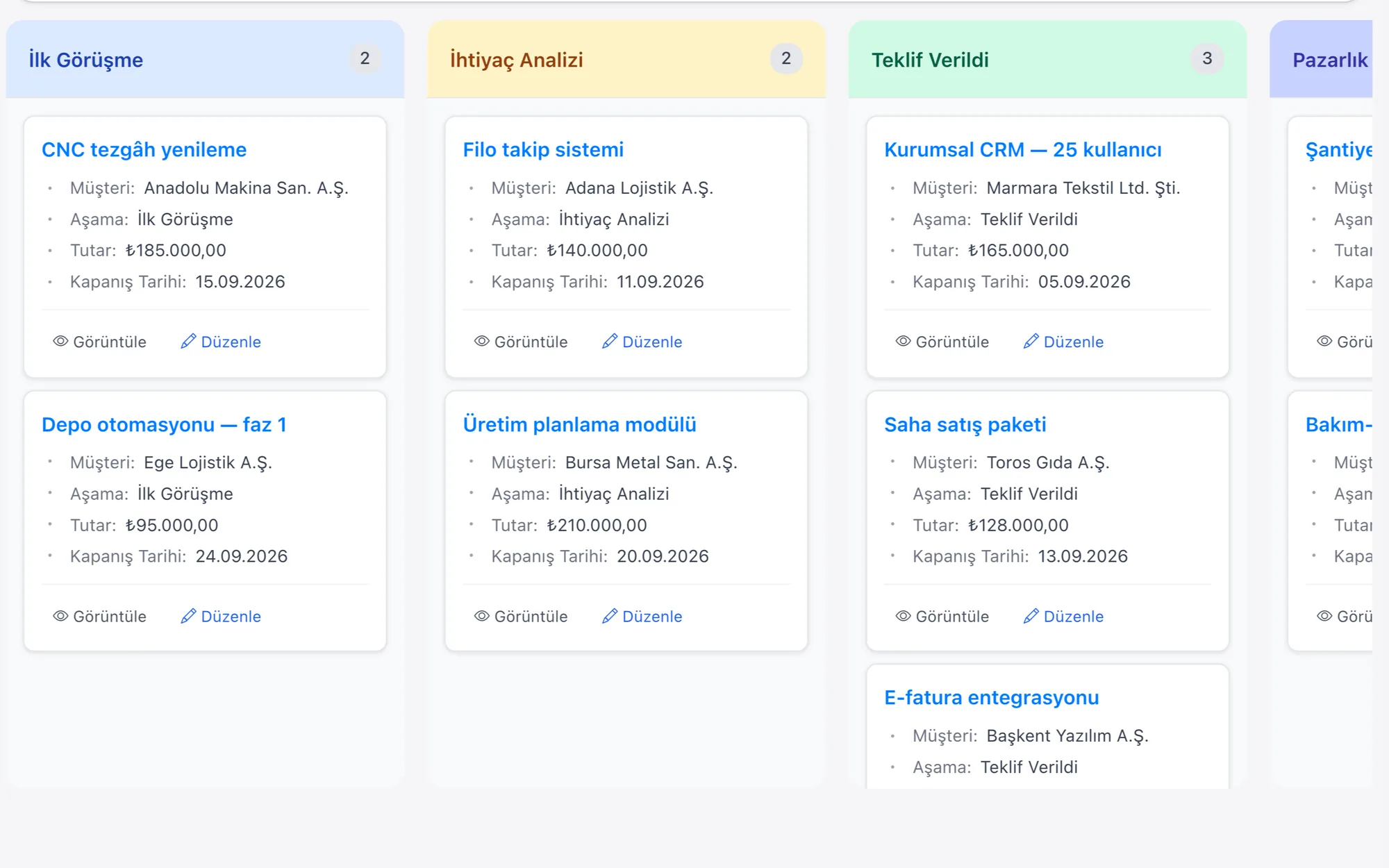
- Move potential projects forward through the Request, Analysis, Proposal and Contract stages
- Let the whole team answer the customer from a single WhatsApp number
| Project Proposal Management | A request is opened as an opportunity record; the proposal is produced under it with its line items, and the conversion rate comes out of the stage report. |
|---|---|
| Customer Support Tracking | Support requests, bug reports and development requests land in the same queue as records; because the type is written in its field, separating them is done with a filter. |
| Revenue And Invoice Tracking | Licence and project lines sit under the customer card; a reminder task is opened based on the renewal date field. |
| Pipeline Management | The Request, Analysis, Proposal and Contract stages are defined on the sales pipeline; the time spent waiting at a stage is calculated from the record dates. |
| Scope Change Request | An additional request arriving on an ongoing project is a change request linked to the project; the delivery date it affects, the additional fee and the customer's approval sit in fields, and no development task is opened until the approval arrives. |
In a software company a customer is won twice: the first time when the contract is signed, the second at every licence renewal. In the time between, the weight of the relationship shifts to the support queue; the record that lands there is sometimes genuinely a bug, and sometimes a new development request that ought to be charged for. When the two are piled into the same box, the billable work gets lost among the work that is within scope.
Rapitek CRM keeps the incoming record together with its type, and shows the same customer's open proposals and issued invoices on the same card. Because licences whose renewal date is approaching are tied to a reminder, collection comes onto the agenda before the customer asks. If a connection to the Logo, Netsis, Mikro or SAP side is needed, we build it ourselves; there is no out-of-the-box module. The connection is built specifically for the project over the REST API and webhooks.
Other industry pages in the same area: B2B SaaS CRM · IT Services CRM · Cloud Services CRM · Hosting and Domain CRM · Cybersecurity CRM · AI Services CRM
