
Skip to content

Cafe CRM

In a cafe you see the same person three times a week but their name appears nowhere in the system; the loyalty card is in their pocket and the preference is in the barista's memory. The day the staff change, that memory goes too, and the customer has to explain themselves all over again.

A regular customer is a record; the preference note, the visit frequency and the last visit date are its fields. The campaign goes to the list filtered out of those fields.
Cafe CRM
  • Record regular customers with their preferences and visit history, so the information stays in place even when staff change
  • Send the loyalty status and the campaign to a filtered list, and write a separate message to those who have not been in for a long time
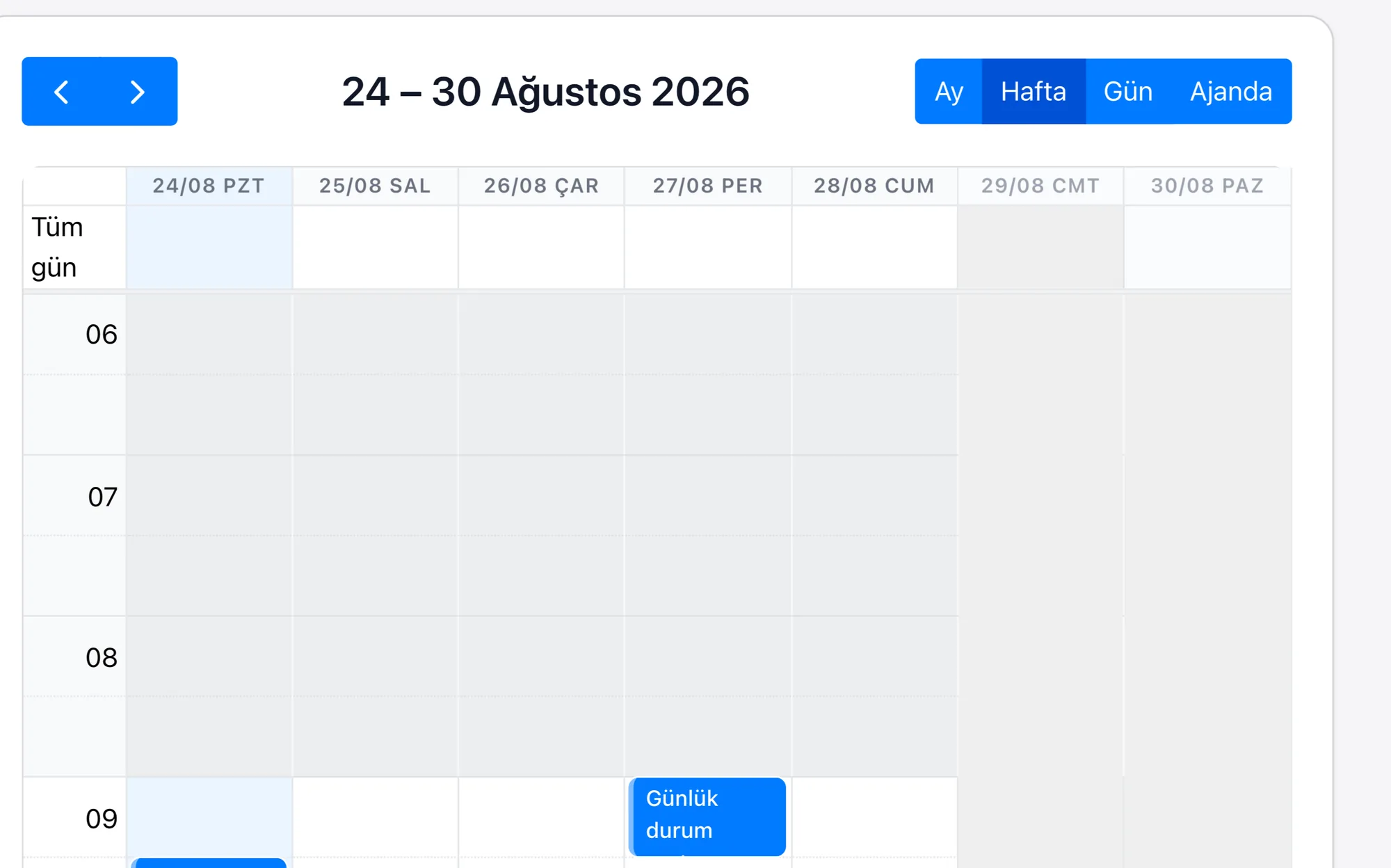
  • Tie group bookings for meetings and celebrations to the calendar, and keep the table and time on the record
  • Follow office and company orders as repeating orders under the account, and turn the delivery day into a task
Customer CardA regular customer is a record; the preference note, the visit frequency and the last visit date sit in its fields.
Loyalty and CampaignA campaign is sent to a list of records pulled out with a filter; who received which message is visible on the customer card.
Table BookingA booking is a record with date and time fields; the number of people, the table and the celebration note sit on the same card, and the day's reserved tables are read from a single list.
Corporate OrderOffices and companies are each an account record; the repeating order sits under the account, and the delivery day is opened as a task.

A cafe's revenue comes less from the passing crowd than from the regular who drops in a few times a week; but that customer is not recorded anywhere. The campaign announcement goes to everyone at once, and the person who has not been in for months gets the same message as the one who came yesterday. The request from someone booking a table for a meeting or a celebration is written in a notebook, and the office order stays in a message thread; both end up depending on whoever happens to be on shift that day.

Rapitek CRM keeps every customer as a record together with their preferences and visit history; the campaign goes to a list filtered out of those records, and a separate message can be written to someone who has not been in for a long time. Because a group booking is a record with date and time fields, it lands in the calendar rather than in the shift notebook; and the office order is followed as a repeating order under the account. Across several branches the same customer carries the same record, and what they bought where is visible from one place.

The scope of the plans and the items priced separately are written on the pricing page.

Frequently asked questions

Is it realistic to record a customer on a day when the counter is moving fast?
The record is opened once; on later visits it is found by name or phone number and the preference note is written onto it. Because loyalty and campaign lists come out of these records, every customer entering the system is automatically targeted in the next announcement.
We have several branches; can we see what a customer bought at which branch?
Yes. The customer is a single record, and their visits build up under that record together with the branch information; with branch-based permissions each team sees its own list, while management follows all branches from one place.
Where does the request of a customer booking a table for a meeting sit?
A booking is a record with date and time fields; the number of people, the table and the celebration note sit on the same card. The day's reserved tables are read from the list of those records rather than from the shift notebook.
Which is the best CRM software for a cafe?
When choosing a CRM for the cafe sector, you should look at sector workflows, integration capabilities, customisation options and the quality of support. You do not set up Rapitek CRM — we do: we configure the fields, stages and reports around your cafe process, we migrate your data, and we train your team in Turkish. Before building our own platform, our team completed more than 200 enterprise CRM projects during its Salesforce years; we carry out the setup with that experience.
How much does a cafe CRM system cost?
In a cafe, because the customer preference sits on the customer card rather than in the barista's memory, the staff behind the counter enter the system too. We keep current plan prices in one place and publish them openly on our pricing page; we do not put figures on this page, so that you never read a different price in two places. The price is determined by the number of users and the plan chosen. The scope of setup, data migration and training is not the same in every project; the scope and any setup fee are worked out together in the discovery meeting and shared in writing. Rapi artificial intelligence credit and ERP integration are items priced separately.
How are CRM integrations carried out in the cafe sector?
If you use Logo, Netsis, Mikro or SAP, your CRM talks to it — we build the connection. There is no out-of-the-box module: because access and field structure on the ERP side change from installation to installation, a single button does not work the same way everywhere. The connection is built specifically for the project over our REST API covering 183 business objects, OAuth2, webhooks and import/export. We work out the scope and the cost in the discovery meeting and share them in writing.
How does the move to a CRM system work in the cafe sector?
We start with a discovery meeting: we work out your cafe process together, and which fields and which stages are needed. After the meeting, we give you a date, not a range. We migrate your data, and we train your team in Turkish. There is no call centre on our support line. Your question is answered by the team that builds and develops the product — this is a choice, not a matter of capacity.
Can mobile CRM be used for a cafe?
Yes. Field and branch teams can update the customer card, notes and follow-up tasks from their phone. The application is live on both the App Store and Google Play. The web interface also works on tablets and phones. The application does not work offline; if the connection drops while you are filling in a form, what you have written is kept on the device for 24 hours.
Made with RapitekGO

We would like to use optional cookies to measure your visit. The site works exactly the same if you decline. Cookie policy