
Orthodontic Clinic CRM
When treatment stretches over three years, which month the patient is in, which aligner set they are using and how many instalments are left scatter across separate notebooks. When one check-up appointment is missed, the chain grows longer without anyone noticing.
Treatment is a single timeline; the note, photo, aligner set and payment from each monthly appointment build up on one patient record. When it ends, the record moves to the retention phase.
What we set up, and how
- Build up the note, photo and payment from every monthly appointment on the same treatment record and follow progress as a percentage
- Track the set number, the change date and the patient's wear compliance in clear aligner treatments
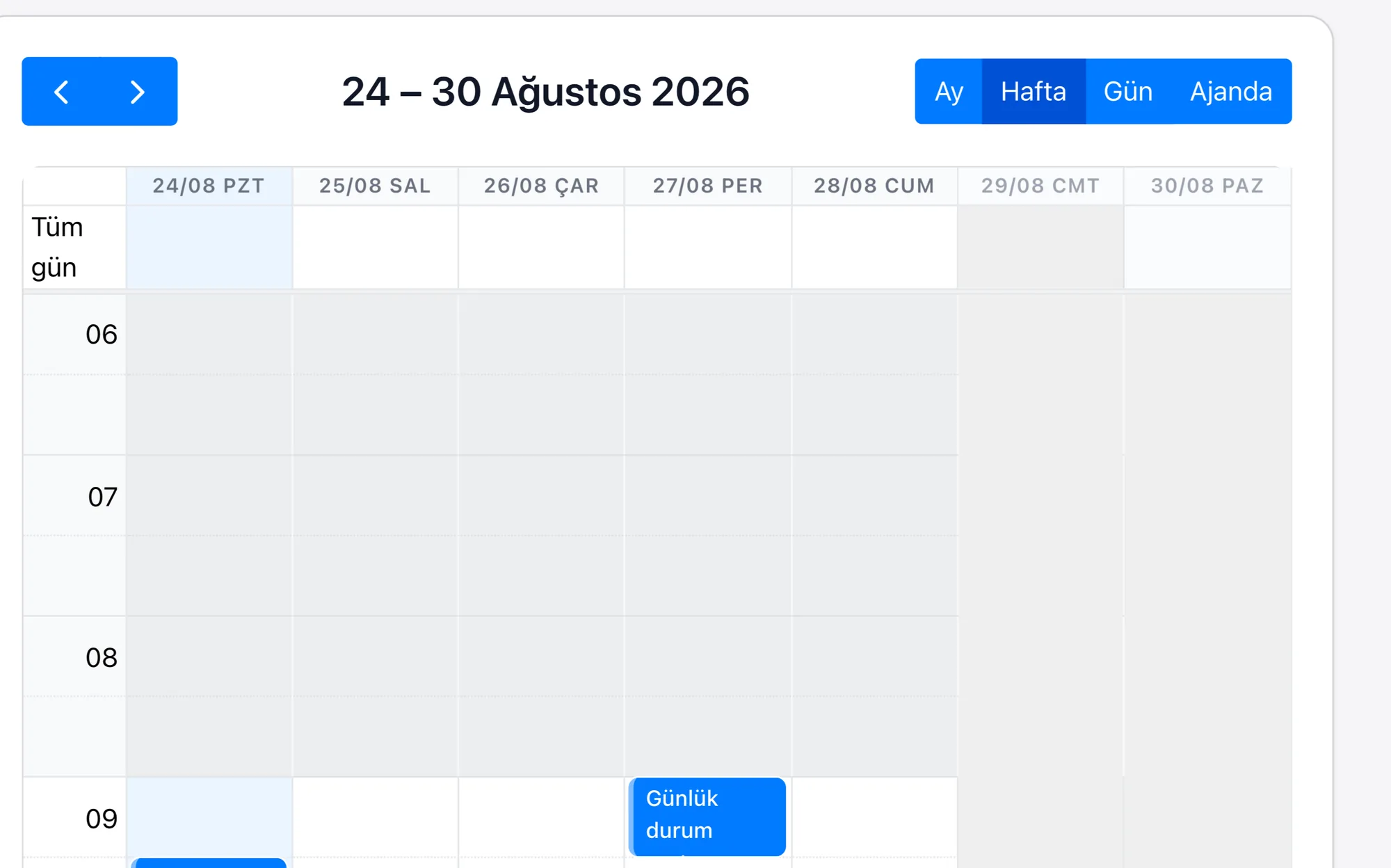
- Derive the 4-6 week tightening appointment from the treatment date in fixed wire treatments and offer the patient alternative times from the calendar
- Keep the 18, 24 or 36 month instalment plan together with the payment history and produce a reminder for a payment that falls due
| Long-Term Treatment Tracking | An 18-36 month treatment is a record; the note, photo, payment and patient comment from every monthly appointment build up under that record, and the progress percentage is turned into a chart from those lines. |
|---|---|
| Aligner Set Management | In clear aligner treatments every set is a line; the set number, wear period, change date and patient compliance note sit in that line's fields, and sets whose change date is approaching drop into a list. |
| Monthly Wire Tightening Planning | In fixed wire treatments an appointment every 4-6 weeks is opened, derived from the date on the treatment record; the hours the patient is available are chosen from the calendar. |
| Instalment and Payment Plan | The 18, 24 or 36 month instalment lines sit under the treatment record; the payment history stays on the same card, and an overdue line drops into a list. |
| Patient Satisfaction Survey | The survey is sent at the interval you define, tied to the treatment record; low scores create a notification for the clinic manager and open a follow-up task. |
In orthodontics treatment does not end, it moves along: over three years the patient may be seen at the same clinic but by different practitioners on duty. The practitioner needs to know, at that moment, how the mouth of the patient in the chair looked six months ago and exactly what was done at the last tightening; a paper card passed from practitioner to practitioner cannot carry that detail.
Rapitek CRM keeps the treatment as a single timeline, so nobody is left relying on the patient to recall the history. For child patients the notification goes to the parent and appointment times are proposed according to the school calendar. When treatment is completed the record does not close, it moves into the retention phase: six-monthly and yearly check-ups are opened on the calendar as tasks tied to the treatment end date.
