
Car Rental CRM
In car rental, revenue melts away with every day a vehicle spends parked; when where each vehicle is, when it will come back and which rental the last damage happened on are kept in separate places, both the rental is lost and the cost stays hidden.
Every vehicle is a record; status, location and rental dates are its fields. In Rapitek CRM the difference between the check-out and check-in report gives the extra charge.
What we set up, and how
- Follow the location, status and availability of all vehicles live from a single screen
- Drop booking requests coming in from the web form straight onto a record, and send the confirmation message from that same record
- Record the check-out and check-in mileage, the fuel level and the damage photos on the report; let the person taking delivery sign on the signature screen in the mobile application
- Track damage records, insurance processes and their cost per vehicle
- Let the whole team answer from a single business number, with conversations assigned by the rule you define and followed by managers
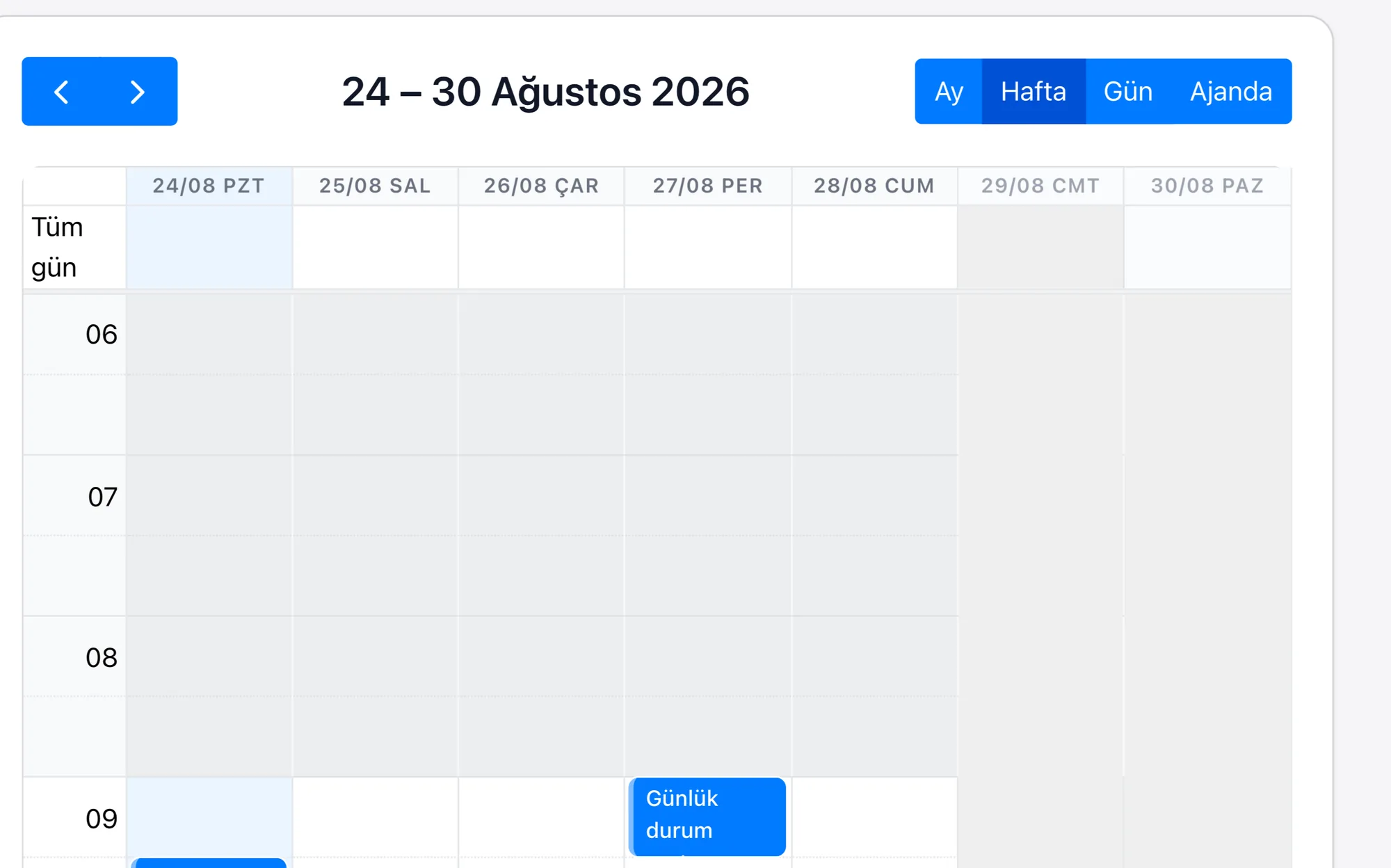
| Fleet and Availability Management | Every vehicle is a record; status, location and rental dates are kept in its fields, and availability is read from the list and calendar view of those records. |
|---|---|
| Online Booking | A request coming in from the web form can be set to drop straight in as a record; the confirmation message and the follow-up task are tied to that form during setup. |
| Vehicle Check-out and Check-in Report | At check-out and at check-in, the mileage, the fuel level and the existing scratches are written into the fields of the report record; photos sit as attachments, and the person taking delivery signs on the signature screen in the mobile application. The extra charge after the rental comes out of the difference between those two reports, rather than staying on a separate piece of paper. |
| Damage and Insurance Tracking | A damage record is tied both to the vehicle and to the rental; thanks to the cost field, total damage expense per vehicle appears in the report. |
| Rental Extension Request | An extension asked for before the return day is a request tied to the rental record; the new return date, the extra day charge and the approval status sit in fields, and a clash with that vehicle's next booking is seen from the same record. |
What is sold in rental is not the vehicle but a particular date range of that vehicle. That is why the inventory is not a number but a calendar: instead of forty vehicles, forty separate timelines are managed. A late return, a day spent in the workshop or a repair still pending opens a gap in that line; if the gap is not visible while you are on the phone, either the vehicle sits idle or the date you gave does not hold. With corporate customers there is a second layer: the agreed price and the limit are written in the contract, not in the head of the person preparing the quote.
Because Rapitek CRM keeps the vehicle status in the same place as the booking, when a request comes in the suitable vehicle is picked straight from the list. Because the agreed price comes from the customer card, the quote is not calculated by hand; and because damage and insurance records stay tied to the vehicle, what a single number plate actually earned over the year becomes visible.
