
Independent Accountant CRM
Because the VAT, withholding, provisional and corporate tax dates differ from client to client, the calendar is kept in a diary; the missing month-end paperwork is chased by hand, and the risk of being late is noticed on the last day.
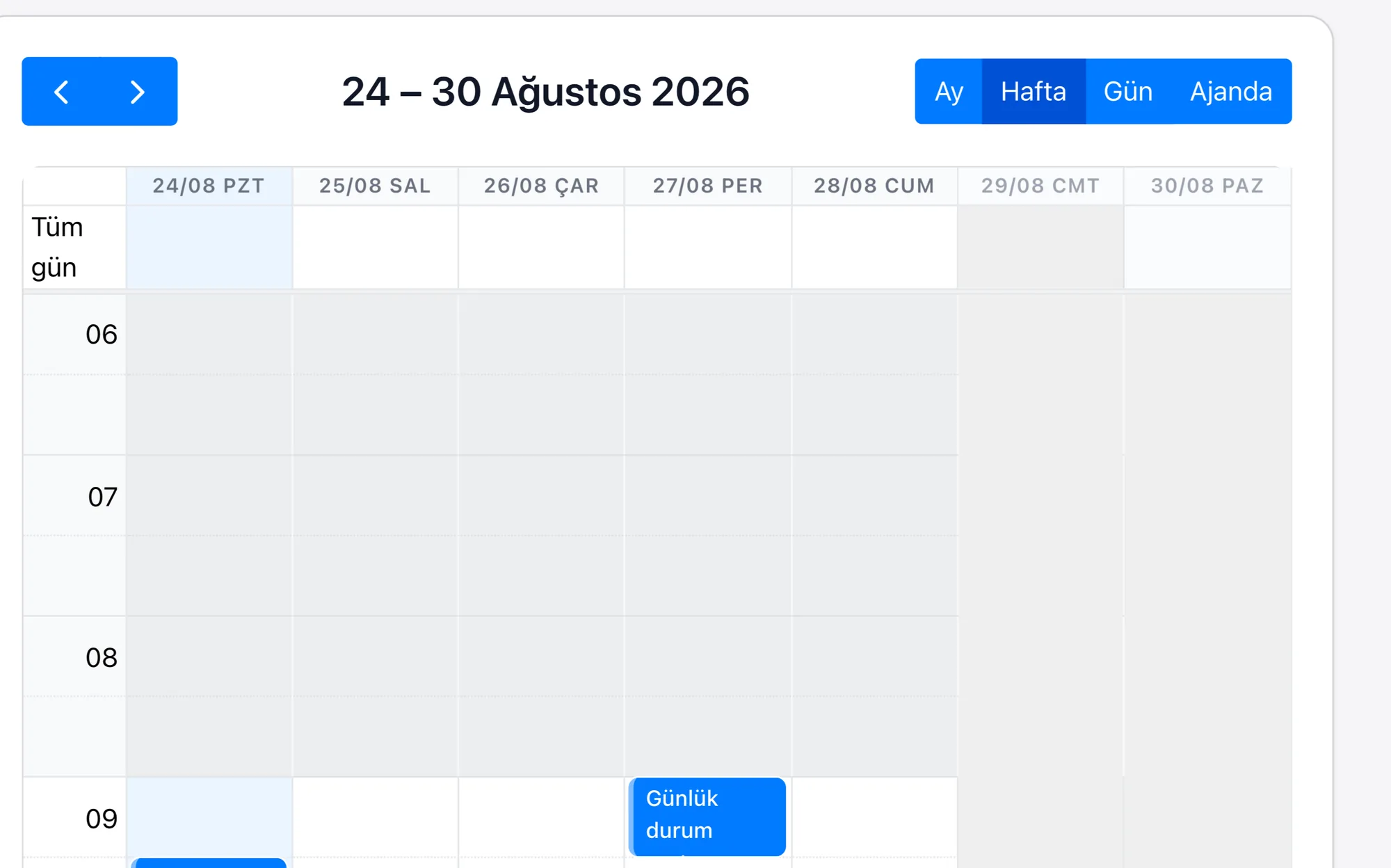
The tax regime is a field on the taxpayer record; VAT, withholding, corporate and provisional tax dates are opened as tasks on that field, and work left unclosed stays on the list.
What we set up, and how
- Set up each client's VAT, withholding, corporate, tax-at-source and provisional tax calendar according to their tax regime, and get an alert seven days before the date
- Open the month-end document expectation as a task per client, keep the incomplete ones on a list, and tie the reminder to that task
- Keep the monthly fee and additional service lines under the client card, and follow overdue ones from a list
- Archive the e-Beyanname, e-Defter and e-Fatura submission confirmation on the client record with its date and time
- Follow your clients' KOSGEB support and incentive entitlement dates and put a quote together when the time comes
| Tax Return Calendar | The tax regime is a field on the taxpayer record; the VAT, withholding, corporate, tax-at-source and provisional tax dates are opened as tasks on that field, and the alert period is defined during setup. |
|---|---|
| Document Collection Process | The monthly document expectation is a task tied to the taxpayer; because a task left incomplete does not close, it stays on the list, and the reminder is tied to that task. |
| Client Collections Tracking | The retainer and additional service lines sit under the taxpayer card; a line past its due date drops onto a list. Bank reconciliation is built specifically for the project; there is no out-of-the-box module. |
| Trainee and Staff Management | A trainee is a user record; which taxpayer's file they look after sits in the assignment field, and working hours are totalled from the task records. |
| KOSGEB and Incentive Tracking | The entitlement date is a field on the taxpayer record; those falling due drop onto a list and are opened as a quoting opportunity. |
| Submission Archive | The e-Beyanname, e-Defter and e-Fatura submission confirmation is added to the taxpayer record with its date and time. The GİB connection is built specifically for the project; there is no out-of-the-box module. |
In an accountancy practice the workload is not spread evenly over the month: the first half goes on chasing paperwork and the second on getting tax returns filed in time. Once the portfolio grows to a few hundred clients, which client is on which regime, whose paperwork is still missing and which trainee keeps whose books can no longer be held in one person's memory.
Because Rapitek CRM keeps the client card together with the tax regime, the calendar builds itself the moment a client is added. The alert repeats seven, three and one day before; because the submission confirmation is recorded by hand on the same card, the answer to “has it been sent?” sits in the archive rather than in someone's memory, and work left unclosed stays visible on the list. Since the documents coming in from the taxpayer are gathered under the client record, the sorting work the practice does at the start of the month gets smaller. Staff distribution is read from the same place: which trainee looks after how many clients sits in the assignment field.
The scope of the plans and the separately priced items are written on the pricing page.
