
Call Centre CRM
While the agent is answering the call, they are searching separate screens for who the customer is; and the outcome codes are written into spreadsheets merged by hand at the end of the shift.
A call is a record tied to a contact, account or lead: direction, duration and outcome code are its fields. In Rapitek CRM the shift report comes out of these records; no spreadsheets are merged.
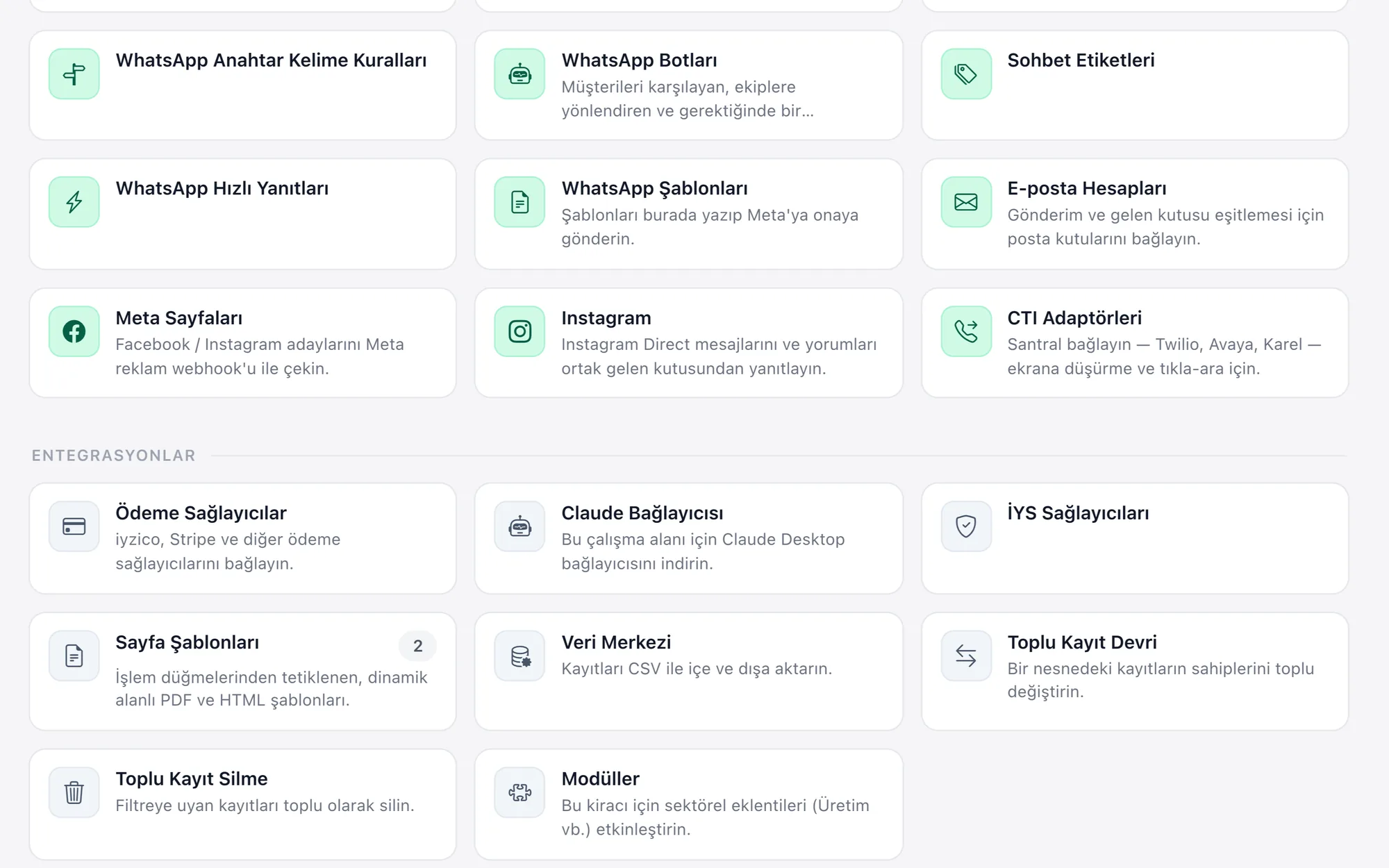
What we set up, and how
- Open the customer card on the agent screen on an incoming call; the record matched from the number is reached over the adapter
- Tie every call to a contact, account or lead record; keep its direction, its outcome and its duration in the same place
- Gather incoming WhatsApp conversations in the team inbox and distribute them with queue and assignment rules
- Record the case opened during a conversation and run the resolution process from the same customer card until it closes
- Report the number of calls, the average duration, the resolution rate and the survey result per shift
| CTI Adapter Panel | Rapitek does not make a softphone; the PBX vendor's adapter is embedded in the right-hand panel of the CRM. The bridge is documented: matching a record from a number, writing the call onto the record, click-to-dial from the phone field and agent status are all defined in that protocol. |
|---|---|
| Screen Pop | The adapter sends the incoming number; on a single match it goes straight to that record, on more than one a selection window opens, and when there is none a new lead record filled in with the number can be opened. |
| Call Record | A call is a record tied to a contact, an account or a lead. Direction, status, date, duration and note sit in their own fields; if the adapter is installed, this record is written from there when the conversation ends. |
| WhatsApp Team Inbox | The business's own Meta WhatsApp Business account is connected to the inbox; the conversation is recorded on the customer card, and canned responses and keyword rules run from the same record. Even if a member of staff leaves, the history stays with the business. |
| Queues and Assignment Rules | An incoming record drops into a queue; who it goes to is defined in the assignment rule (customer type, language, subject). The rule is built around your flow during setup. |
| Shifts and Reporting | The shift and working-hours calendar is defined; the number of calls, the average duration and the resolution rate come out of a shift-broken-down report on these records, and no spreadsheets are merged at the end of the day. |
In a call centre, cost is measured in seconds: the fifteen seconds an agent spends working out the answer to "who am I speaking to" turns into hours across thousands of calls a day. The same disconnect exists in the other direction; when the call list is handed out by hand, one customer is called twice and another is never called back.
Rapitek CRM does not replace your phone system; it takes your PBX vendor's adapter into the right-hand panel and ties the conversation to the customer record. Once the adapter is installed, the card opens from the incoming number, the call is written onto the record when the conversation ends, and dialling happens by clicking on the phone field. Because the call note, the case opened and the WhatsApp conversation all sit on the same card, the history is ready at the second contact, and the shift report is produced without merging spreadsheets.
